Admin and insights Live
Overview, not oversight.
Manage people and permissions, and see how Luzowork is used. Always as totals, never what anyone says or writes.
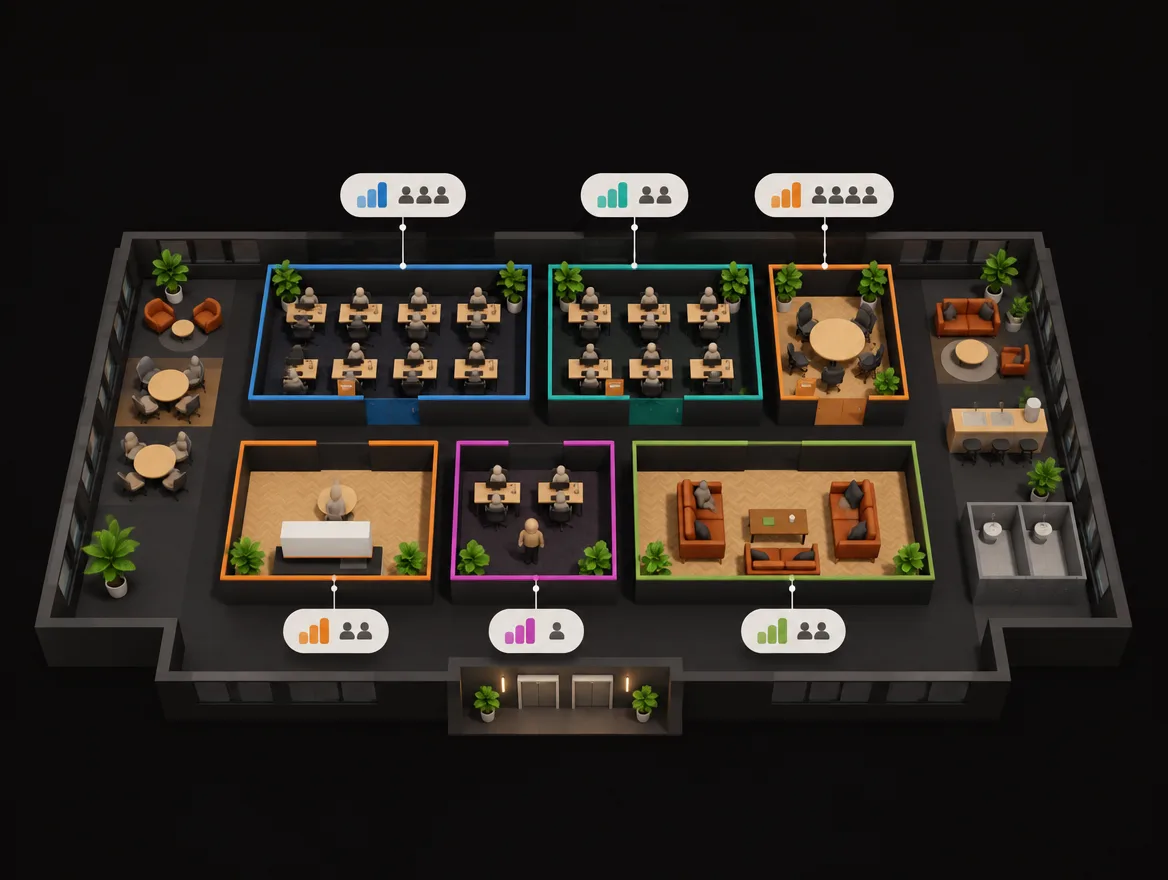
Why it works
Manage people
Invite, change roles or remove someone.
Usage in numbers
Active users, hours online, talk and video minutes per company.
Ready for billing
Export per month per company to CSV.
How it works
- Open Admin → My company for your people and invite code.
- Building managers see every company and who’s online under Building.
- The dashboard shows the last 30 days as a chart and a table.
Good to know
- Roles: employee and admin; the last admin always stays admin.
- Invite with a link or code, which you can renew.
- Usage data older than about 13 months is deleted.
- When an account is deleted, its usage goes too.
Included in
- Free included
- Team included
- Business included
- Building included
Indicative. See pricing on the homepage.
Questions
Can I see how long someone was online?
The company overview shows hours and minutes; there are no reports designed to monitor employees.
Do we need works council approval?
You might. We provide a standard text and explanation for your works council.
Try it yourself.
Free for up to 5 users, right in your browser.