Access and knocking Live
Knock instead of barging in.
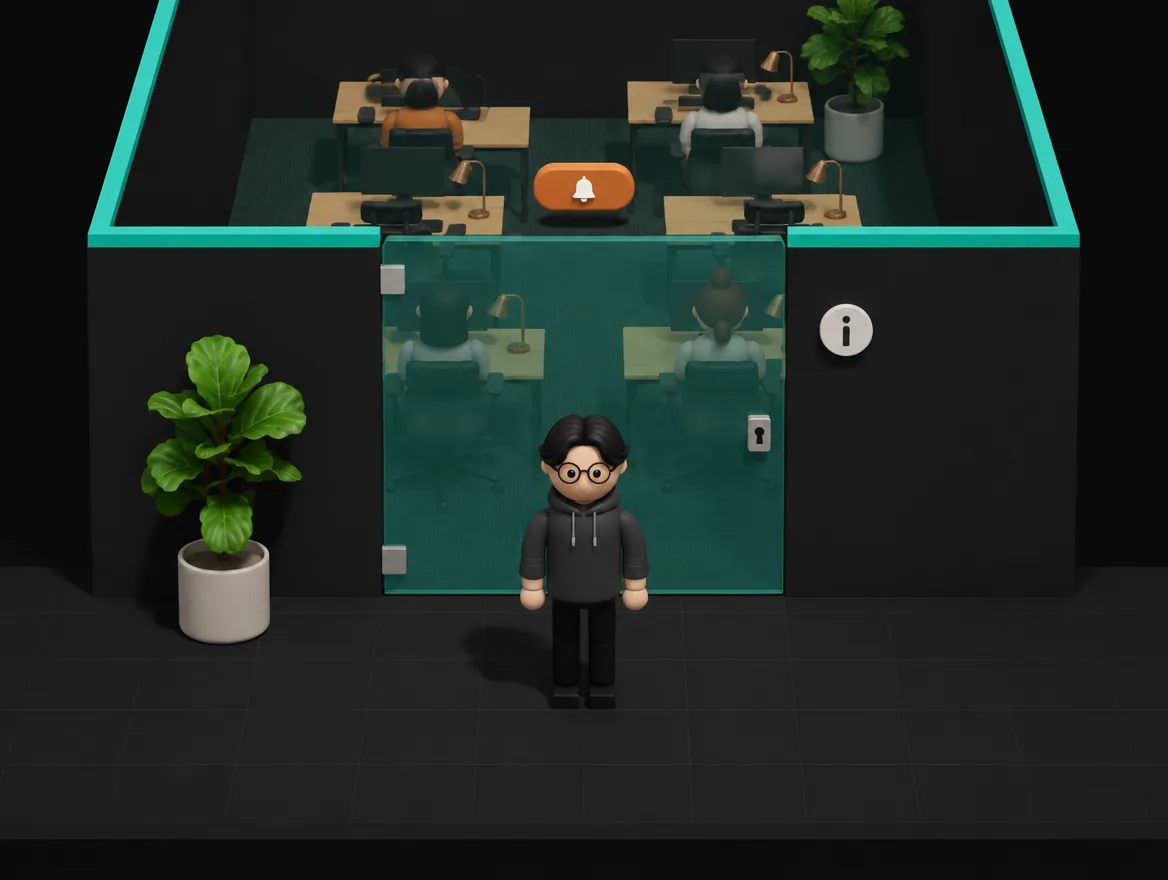
Rooms are either shared or for one company only. At a closed door you ring the bell. Anyone inside can let you in with one click.
Why it works
Real doors
You can’t enter another company’s room. The server enforces it.
Guest for a while
Visitors who are let in can talk, chat and draw until they leave.
Do not disturb
Companies turn knocking on or off, even per room. A do-not-disturb sign shows on the door.
How it works
- Walk to the door and click Knock.
- Colleagues in that room (or else all online colleagues) get a notification with Let in or Not now.
- Once let in, you’re a guest until you leave the room.
Good to know
- No answer within 60 seconds means: nobody’s answering.
- People set to Away don’t get knock notifications.
- You can also knock on another company’s door from the company directory.
Included in
- Free included
- Team included
- Business included
- Building included
Indicative. See pricing on the homepage.
Questions
Can a guest stay around?
No. Access ends as soon as the guest leaves the room or logs out.
Can I turn knocking off completely?
Yes, for the whole company or per room, under Admin → My company.
Try it yourself.
Free for up to 5 users, right in your browser.