Chat-only and quiet room Live
Sometimes you just want quiet.
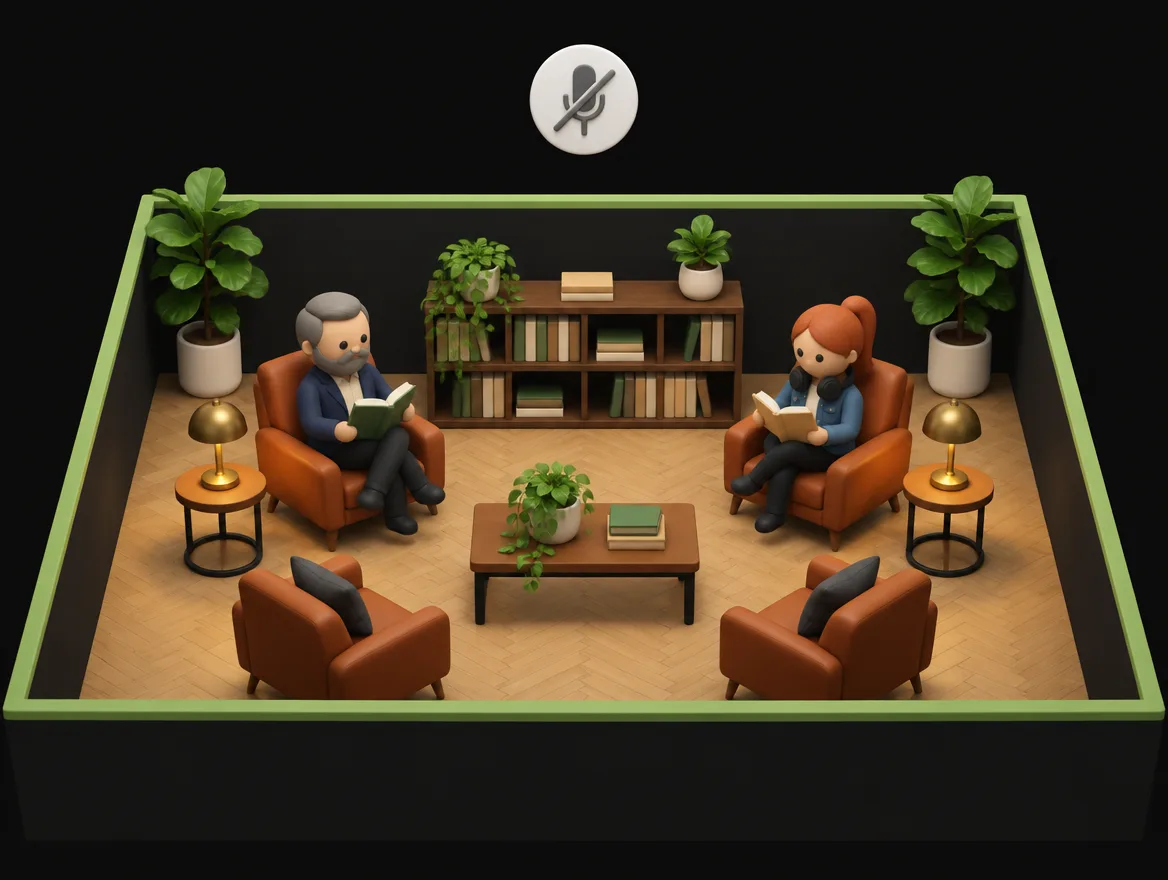
Set a room to chat-only, like a quiet room, or choose for yourself that you don’t want to talk. You’re there, but your mic stays off.
Why it works
Real focus
In a quiet room no one can interrupt you by voice.
Still visible
Colleagues see you’re in and can send you a message.
For everyone
Handy for anyone without a mic or in a noisy place.
How it works
- An admin sets a room to Chat only in the editor.
- Or pick Chat only yourself under My talk mode.
- Chat in the room or send private messages.
Good to know
- The mic stays off, even if you press the space bar.
- Combine with the Focus status to block direct talk too.
Included in
- Free included
- Team included
- Business included
- Building included
Indicative. See pricing on the homepage.
Questions
Can I still listen?
In a chat-only room nobody talks. If only you are set to chat, you still hear the room.
How do I create a quiet room?
Pick the Quiet room type when laying out the office; it gets armchairs and is chat-only by default.
Try it yourself.
Free for up to 5 users, right in your browser.