Chat and private messages Live
Type when you can’t talk.
Send a message to everyone in your room, or a private message to one colleague. Even when they’re offline.
Why it works
Chat per room
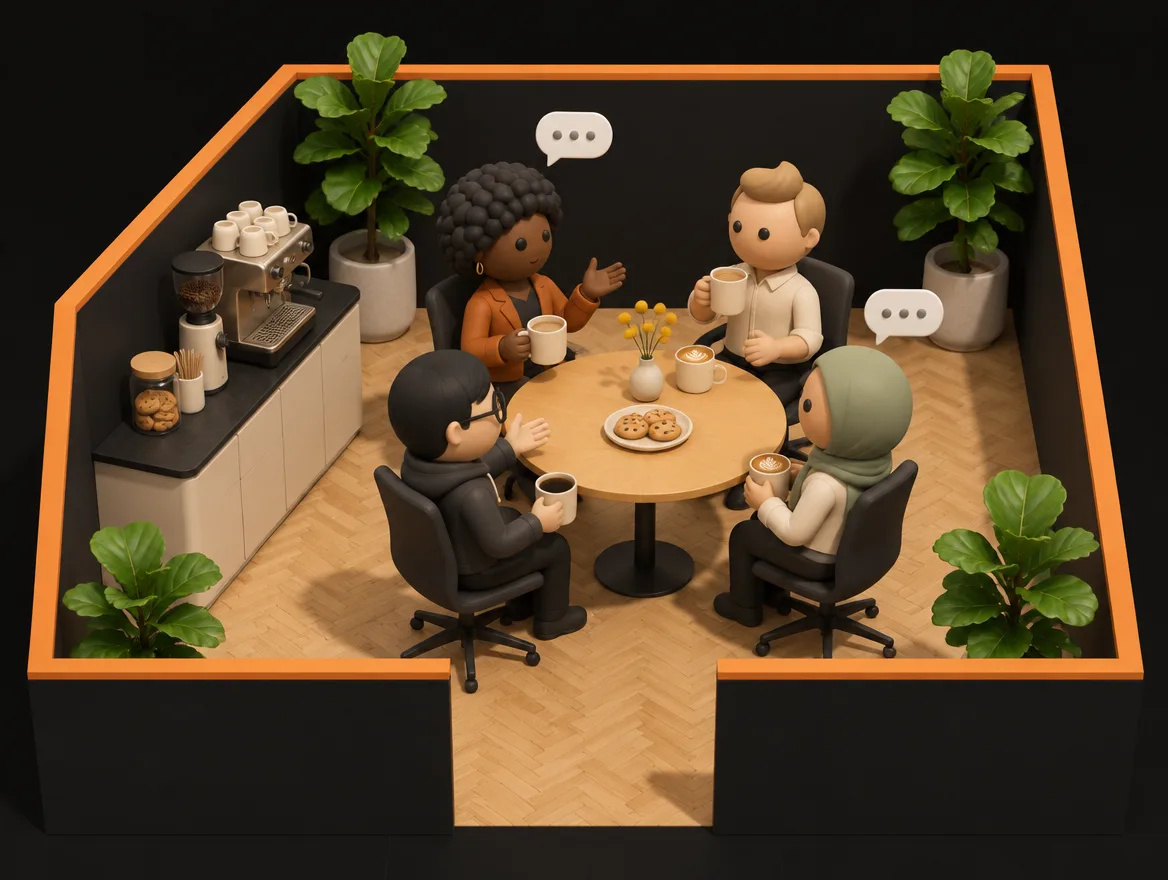
Anyone walking in sees the latest messages. Your message also pops up as a bubble above your avatar.
Private, even offline
Your colleague sees your message as soon as they’re back.
Never miss a thing
A notification and an unread counter.
How it works
- Type in the chat of the room you’re in.
- Or click the chat icon next to someone in Who’s here for a private message.
- New messages show as a notification with a counter.
Good to know
- Private messages within your company, or with someone from another company you see in a shared space.
- Chat messages are kept for 30 days.
- When an account is deleted, its messages go too.
Included in
- Free included
- Team included
- Business included
- Building included
Indicative. See pricing on the homepage.
Questions
Can admins read my messages?
No. Admin screens only show totals, never content.
Does this replace Slack or Teams chat?
It doesn’t have to. It’s for short messages in the context of your office.
Try it yourself.
Free for up to 5 users, right in your browser.