Direct talk Live
“Got a minute?” Click your colleague and talk.
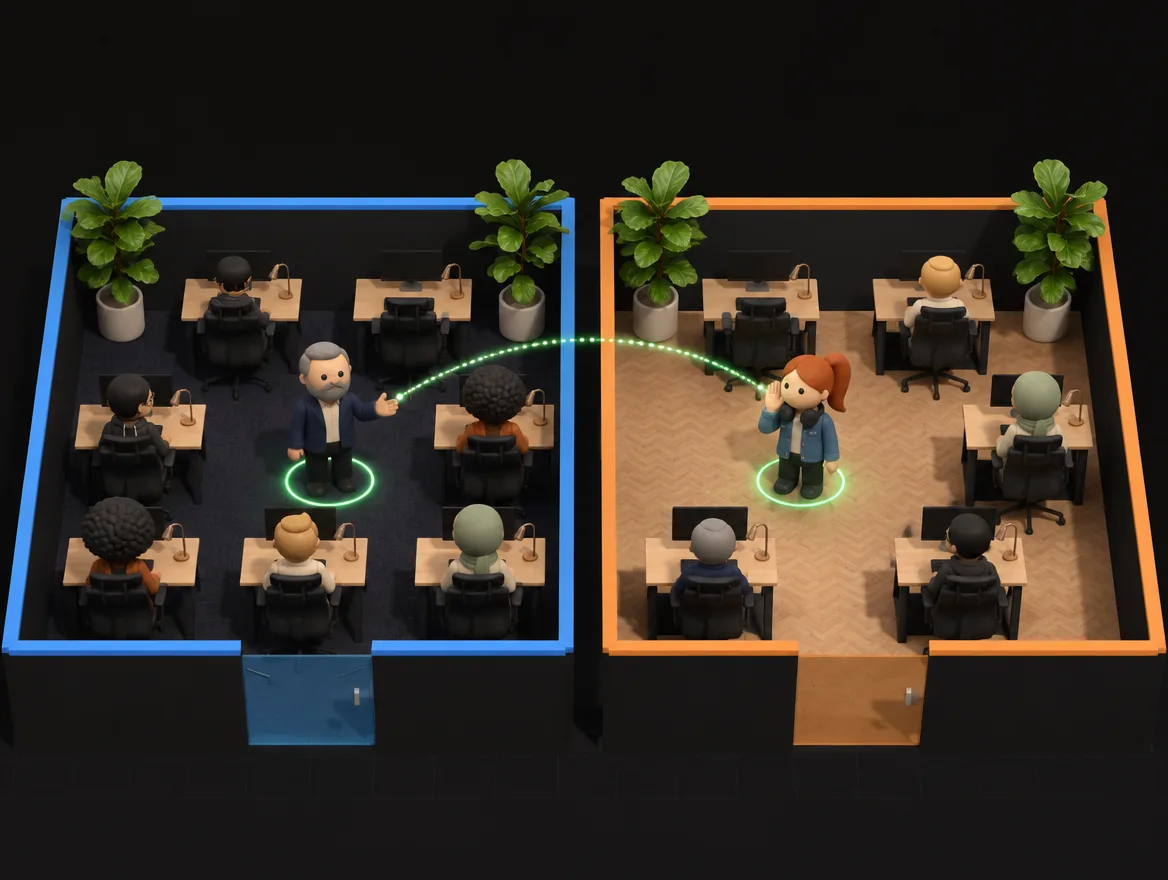
Click someone in the office or in the list and hold the button. Only that person hears you, even if you’re in different rooms.
Why it works
Private
The rest of the room hears nothing.
No walking needed
You don’t have to go to their room first.
Respects focus
You can’t direct-talk someone set to Focus. Send a message instead.
How it works
- Click a colleague in the office or in Who’s here.
- Hold the talk button and ask your question.
- Your avatar shows who you’re talking to; your colleague sees it’s you.
Good to know
- Works within your own company, and with people from other companies you can see in a shared space at that moment.
- Not possible when someone is set to Focus.
- A bronze bubble “→ name” shows who you’re talking to.
Included in
- Free included
- Team included
- Business included
- Building included
Indicative. See pricing on the homepage.
Questions
Can someone from another company talk to me directly?
Only if you can see each other in a shared space at that moment, like the lobby or the coffee corner.
What if my colleague is offline?
Send a private message; they’ll get it as soon as they’re back.
Try it yourself.
Free for up to 5 users, right in your browser.