Click-to-talk Live
Hold the button, talk, let go.
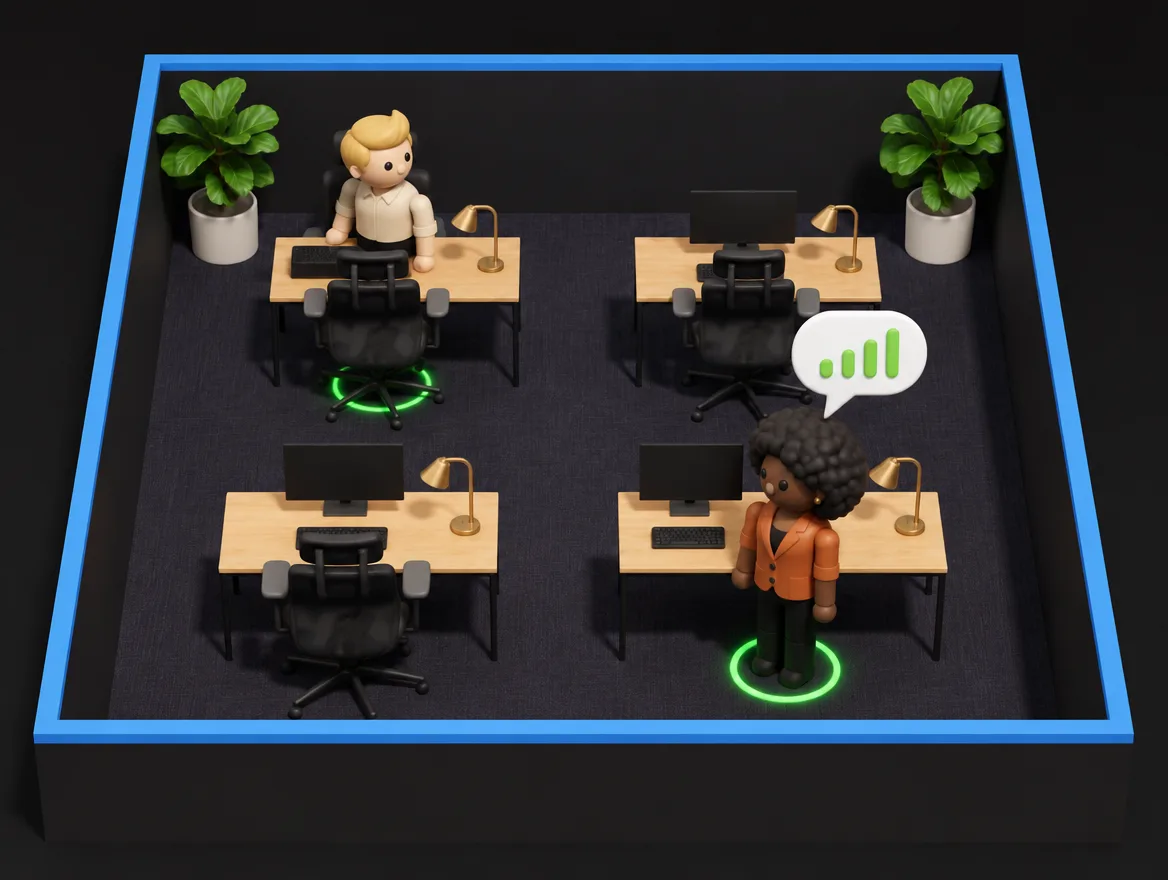
Like a walkie-talkie: your mic is only on while you hold the button or the space bar. Perfect for an open floor where you don’t want to be audible all day.
Why it works
Never on by accident
You’re only audible when you choose to be.
Fast
No call to start. Press, ask your question, done.
Longer talks too
A short click keeps your mic on, another click turns it off.
How it works
- Stand in a room set to click-to-talk.
- Hold the big talk button or the space bar and talk.
- Let go to stop, or click briefly to keep it on. Esc always stops.
Good to know
- Works in any modern browser, no installation.
- The space bar works while the Luzowork tab is active.
- A desktop app with a hotkey that works in other apps is coming later.
Included in
- Free included
- Team included
- Business included
- Building included
Indicative. See pricing on the homepage.
Questions
What if I’m in another tab?
You keep hearing what’s said. To talk, switch back to the tab, or later use the desktop app with a hotkey.
Can I set this per room?
Yes. Admins choose the default per room and you can change it for yourself.
Try it yourself.
Free for up to 5 users, right in your browser.