Video, screen sharing and flip chart Live
Just show what you mean.
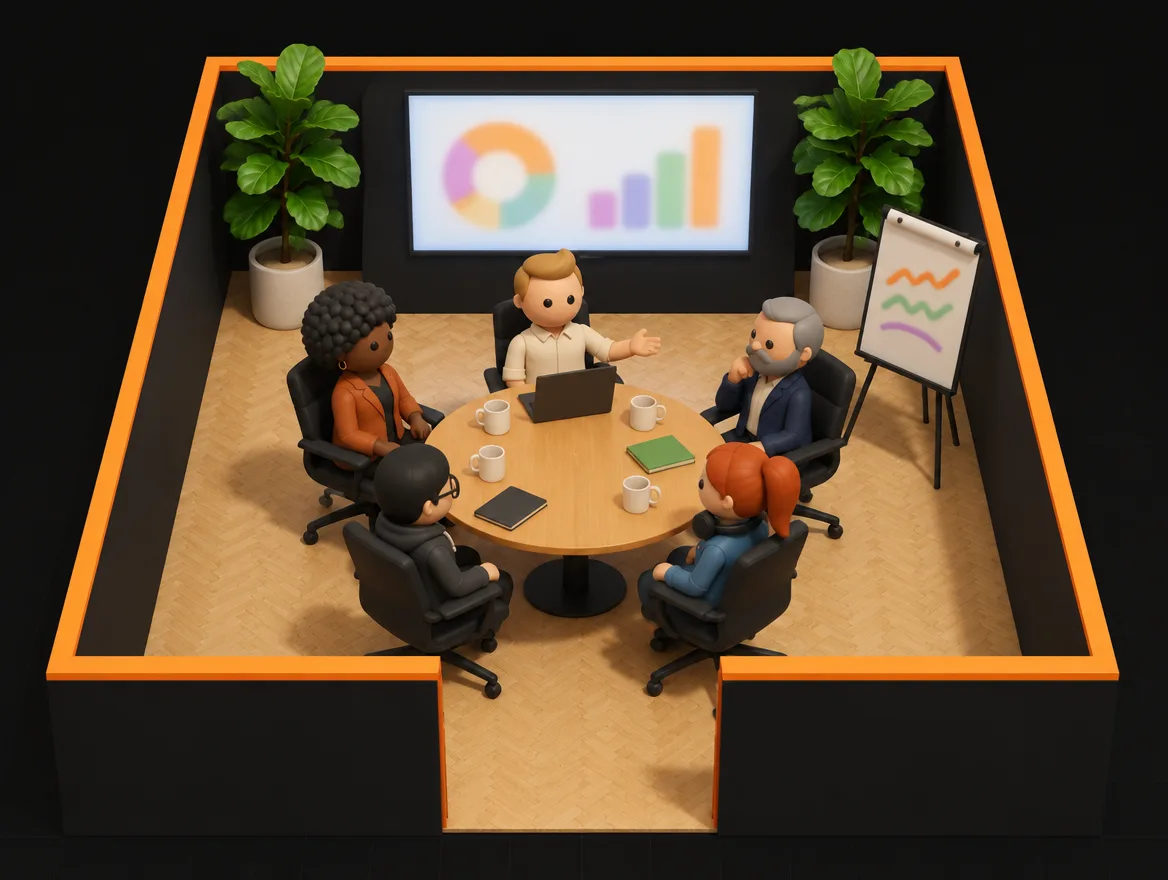
Turn on your camera or share your screen with everyone in the room. Or grab the flip chart and sketch it out together.
Why it works
Per room
Whoever is in the room sees your screen. Nobody else.
Draw together
Everyone in the room can draw on the same flip chart.
Saved
The flip chart stays, even after you leave. Download it as an image.
How it works
- Click Camera or Share screen; your video appears as a tile for everyone in the room.
- Click a tile to make it big.
- Click the flip chart in the room to draw together.
Good to know
- Your own camera is mirrored, like a mirror.
- Flip chart: pen, eraser, 5 colours, line width, undo, new pages, turn pages and download as PNG.
- Only people allowed in the room can draw.
Included in
- Free not included
- Team included
- Business included
- Building included
Indicative. See pricing on the homepage.
Questions
Is my camera on by default?
No, never. You turn it on when you want to.
How many people can join?
Plenty for a team huddle. For large presentations we recommend your regular meeting tool.
Try it yourself.
Free for up to 5 users, right in your browser.